

Story Highlights
- RPCS3 now boots PS3 games directly from a disc drive, no dumping required, across Windows, Linux, macOS, and FreeBSD.
- Only select Blu-ray drives from brands like LG, ASUS, Samsung, and Sony can actually read PS3 discs, a standard DVD drive won’t work.
- RPCS3 previously confirmed that it can boot every single PS3 game.
RPCS3 announced the update directly on X, confirming that their emulator now supports all PlayStation 3 discs. The team credited contributors digant73 and Megamouse for the work, and noted the feature has also expanded beyond Windows to Linux, macOS, and FreeBSD.
Plug And Play, With Some Hardware Caveats
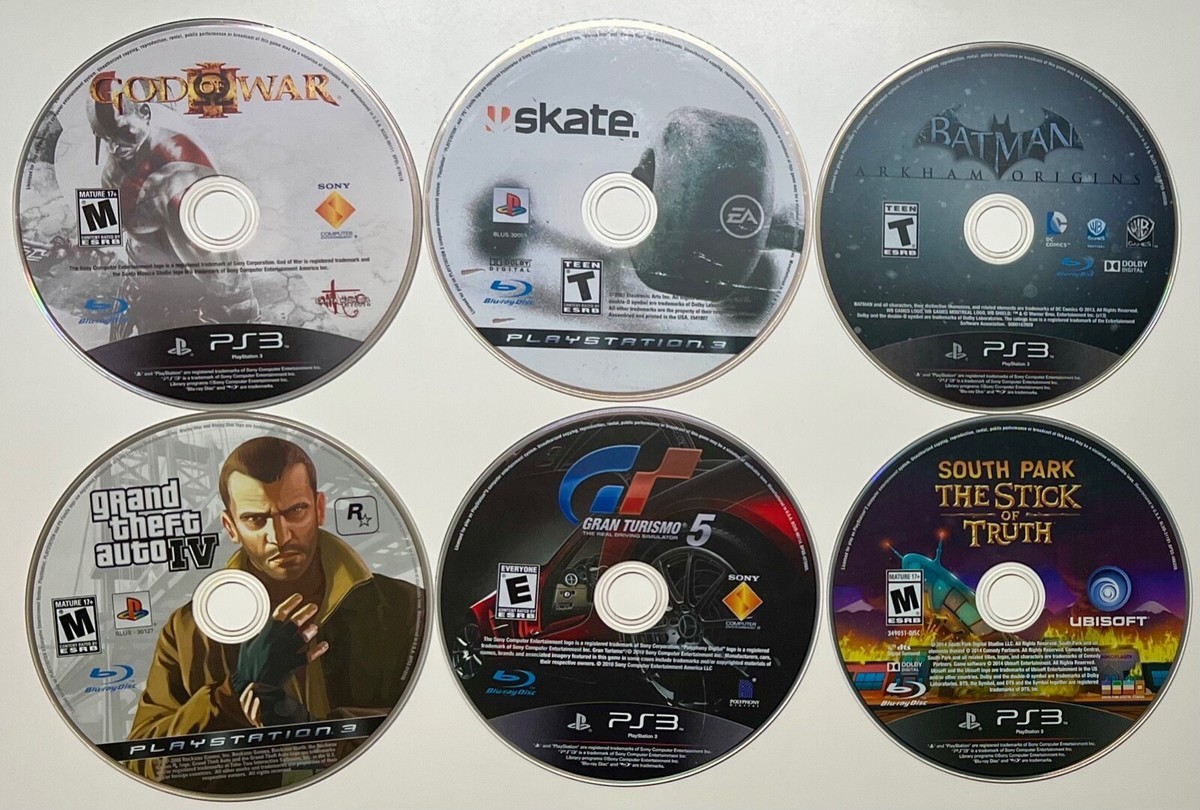
The workflow is much closer to a real console now: insert a compatible disc, point RPCS3 at the drive, and it decrypts and reads the game live instead of requiring a full dump first. The catch is hardware. PS3 discs use a data layout that only certain Blu-ray drives can read at all, a regular DVD drive won’t recognize one, and RPCS3 keeps a public list of known-compatible models from manufacturers including LG, ASUS, Samsung, Sony, Lite-On, HP, Plextor, and BenQ. Playing a disc still requires its matching decryption key on top of normal firmware setup.
Built On Years Of Emulation Progress
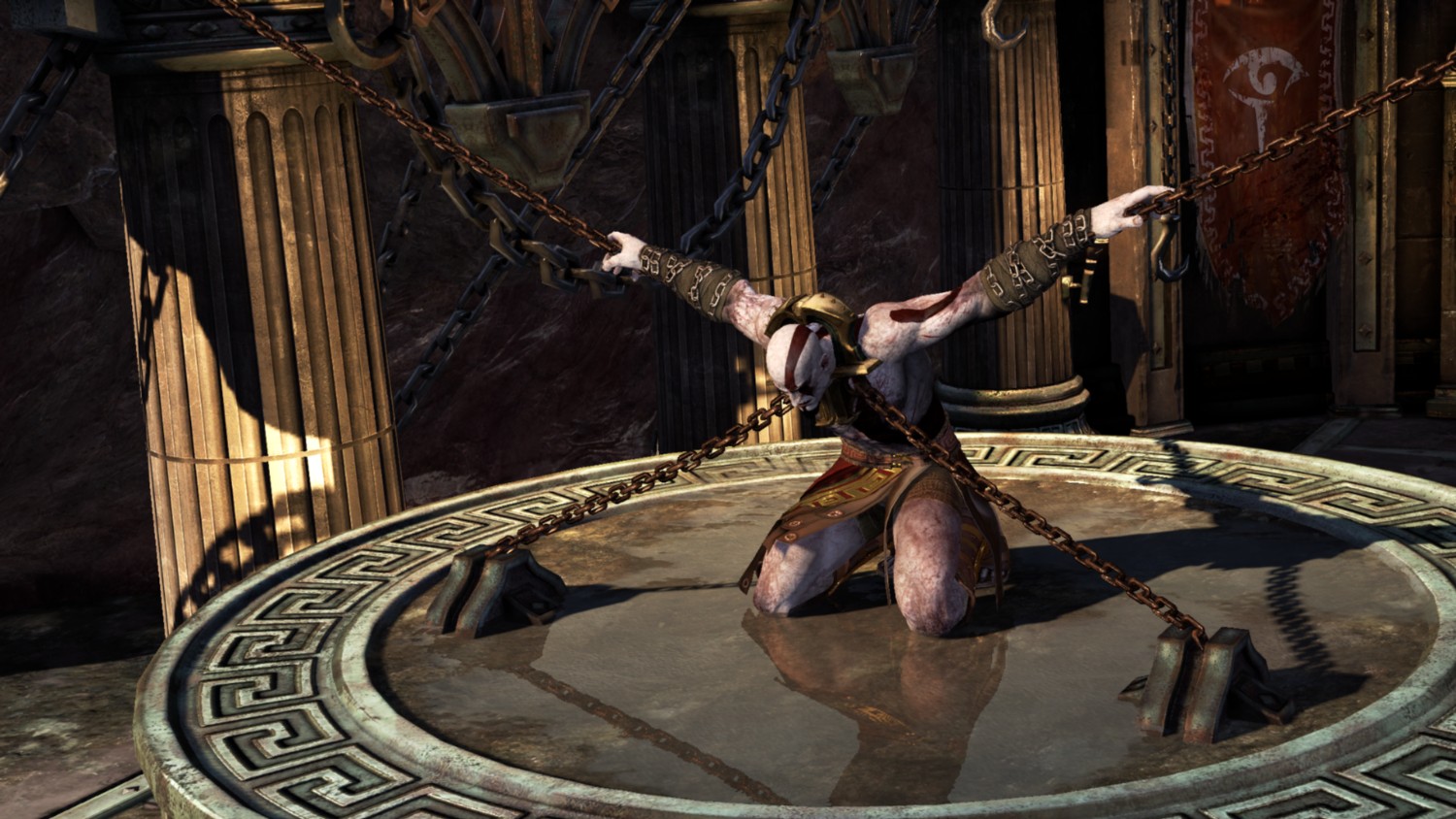
This lands on top of years of steady progress for the project. RPCS3 previously confirmed that every single PS3 game boots on the emulator, with roughly 75% of the library rated fully playable. Direct disc support doesn’t change those numbers, but it does make owning the physical copy a much less tedious way to play.
Thanks! Do share your feedback with us. ⚡
How can we make this post better? Your help would be appreciated. ✍






 Join Our Community