

Story Highlights
- Playing online can be one of the best ways to experience gaming at its core. It can also be the worst.
- Gamers often suffer from high ping and low latency, resulting in tremendous frustration and inability to play.
- There are certain ways to be wary of, however, to make online play a great experience.
Online gaming can be an incredible way to experience the games you love, but if there’s one thing that makes the prospect downright unbearable, it’s certainly a bad connection. Even if you treat the problem at the source, there are still measures to take in attempting to ensure the best possible gameplay you can get out of a particular title.
If you’ve had your complaints from online gaming as of late, and are looking to switch that up instantly, keep on reading to discover some of the best tips out there for better online gaming. It’s not always about your internet connection, but rather how the fundamentals look like beyond that.
Making Sure Your Online Plays Remain A Blast
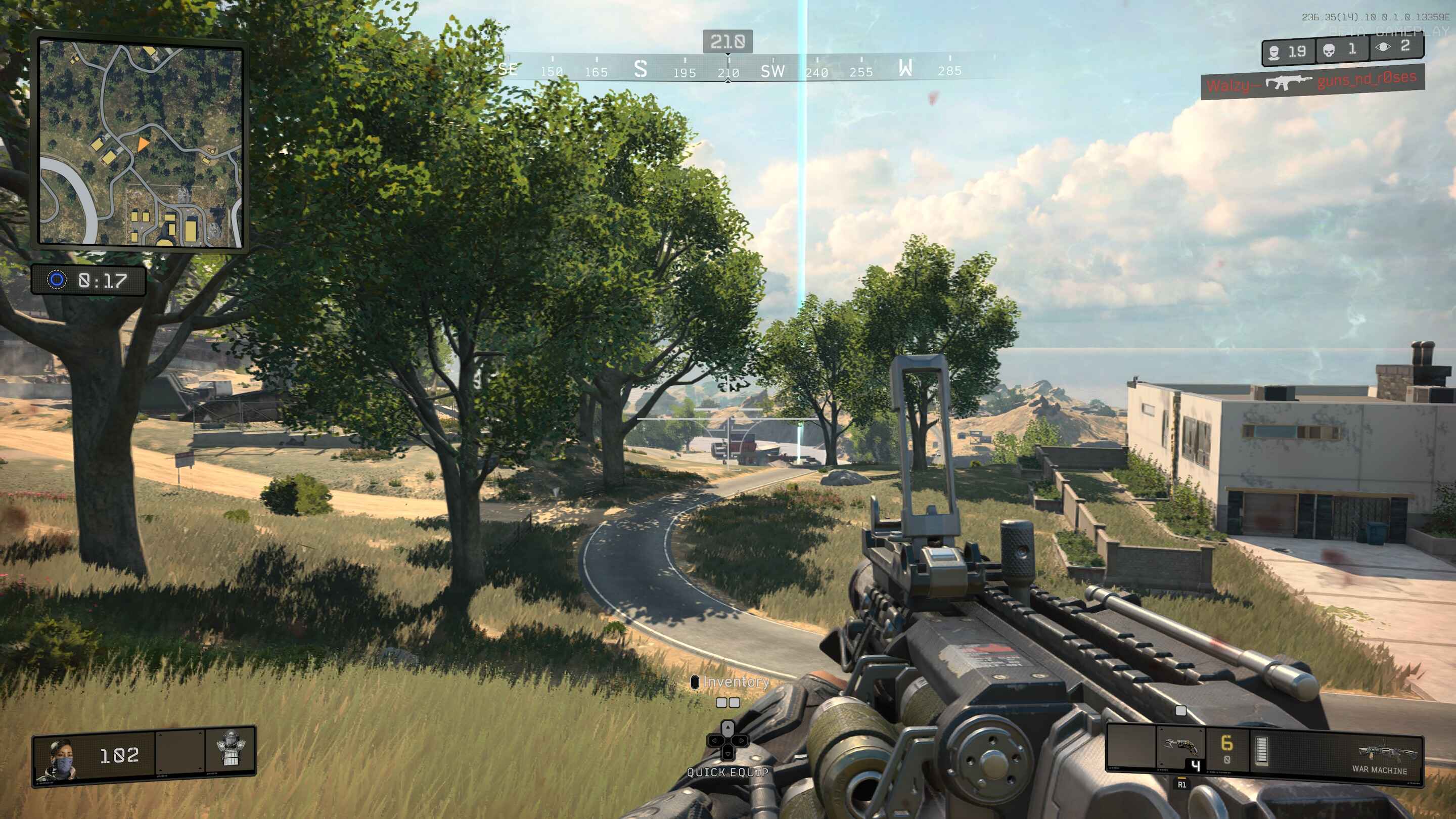
Here is a step-by-step walkthrough of what you need to do to fix your connection troubles, improve latency, reduce ping, and have smoother gameplay experiences while playing online.
1. Switch To A Wired Connection
Going wired from wireless is likely one of the best tips I can drop here for aspiring players to get way better at playing online. No, really, the better your connection is, the more your chances are of improving your skill level. An Ethernet connection provides a more direct and consistent link between your gaming device and router, so you practically never have to suffer from lag and low latency.
Related Read:
In competitive gaming, this is absolutely key. Switch to a wired connection, and note how any added interference goes out the window just like that.
2. Use A Gaming VPN
Additionally, you may get good results from a wired connection, but sometimes, that’s not enough. You may need an actual gaming VPN to handle the rest of the complexity for you, and adjust to a server that grants you the best ping and latency figures for your online matchmaking.
Do note that this is an extra tool and can potentially help you resolve your multiplayer issues. You still need to get yourself a wired connection, coupled with the following pointer as well.
3. Optimize Your Router Settings
Your router matters more than most people think when it comes to gaming performance. If someone else in the house is streaming Netflix or downloading a 50GB update while you’re trying to play, your game is going to suffer, and suffer hard.
First, check what’s actually using your connection. Close downloads you don’t need running, and see if anyone else’s device is hogging bandwidth in the background. If your router supports Quality of Service (QoS), turn it on and set gaming traffic as top priority. It’s a setting most people mostly overlook, but the difference it makes is real.
Takeaway
Ethernet beats Wi-Fi for gaming, full stop. Wi-Fi introduces jitter even on a strong signal, and that’s the stuff that gets you killed in intense firefights, not your skill level, period. If you can run a cable to your router, do it before you touch anything else.
Additionally, router settings matter more than most people think. Turning on QoS (Quality of Service) and prioritizing your gaming device’s traffic keeps a Netflix stream or a Windows update from stealing bandwidth mid-match. Most routers bury this setting two or three menus deep, but it’s worth the five minutes.
A VPN can help too, but only in specific cases, usually when your ISP is routing you through a bad path to the game server. Test with and without one. None of this costs anything beyond a cable and some router menu-digging, so definitely worth taking the time out and gunning for perfection.
Thanks! Do share your feedback with us. ⚡
How can we make this post better? Your help would be appreciated. ✍







 Join Our Community